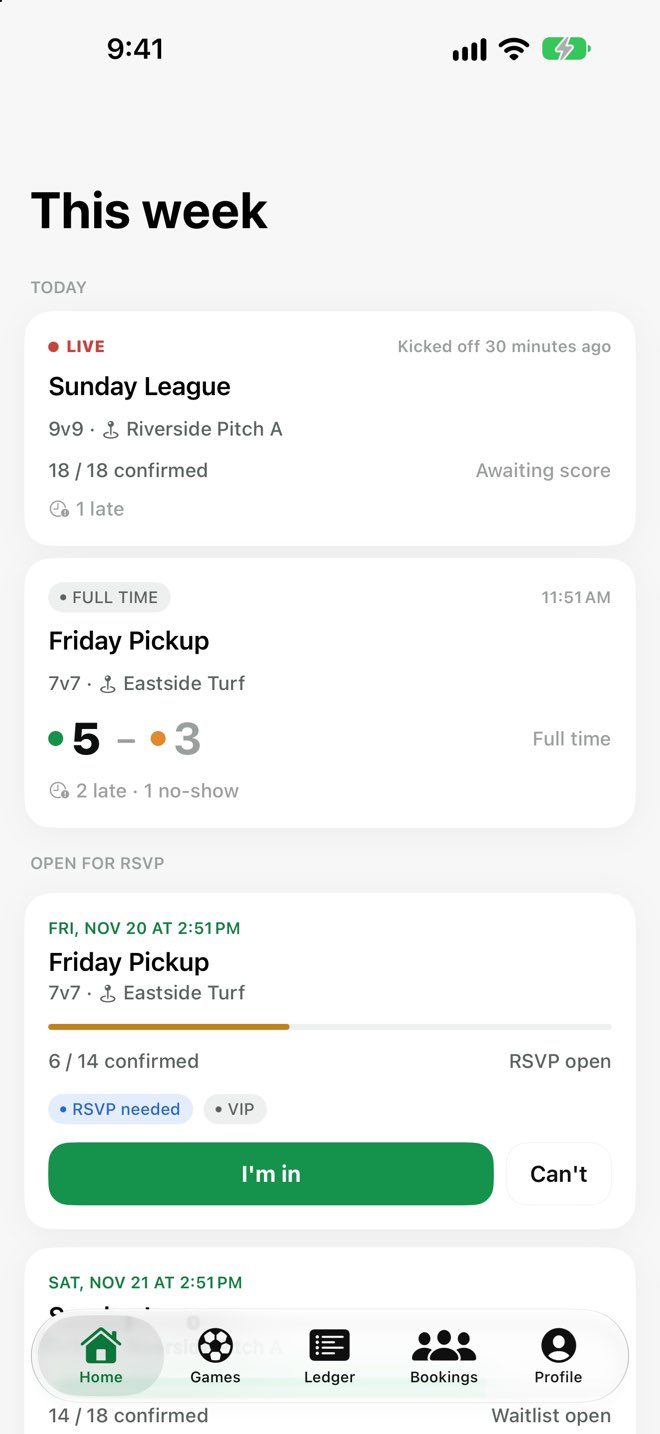
Replace the group chat and the spreadsheet. RSVP in a tap, let the waitlist run itself,
get fair teams, record the score, and see who still owes for the field.
Free. No ads, no tracking. iPhone, iOS 17 or later.
How it works
Four steps from "who's in this week?" to "who still owes?".
Create a booking
Set the venue, the weekly kickoff, the season length, the field cost and the drop-in match fee.
Players join by code or QR
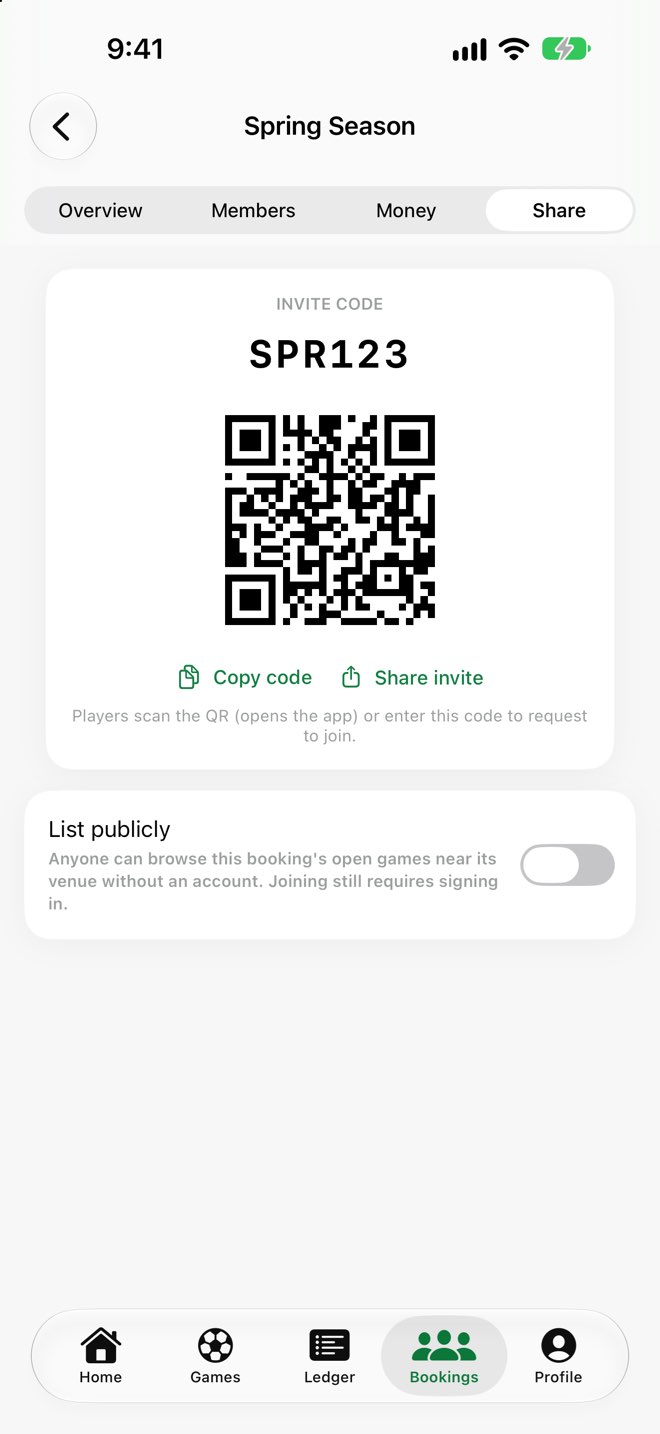
Share an invite code, link or QR. Approve requests, or add people who don't use the app yourself.
RSVP, and the waitlist runs itself
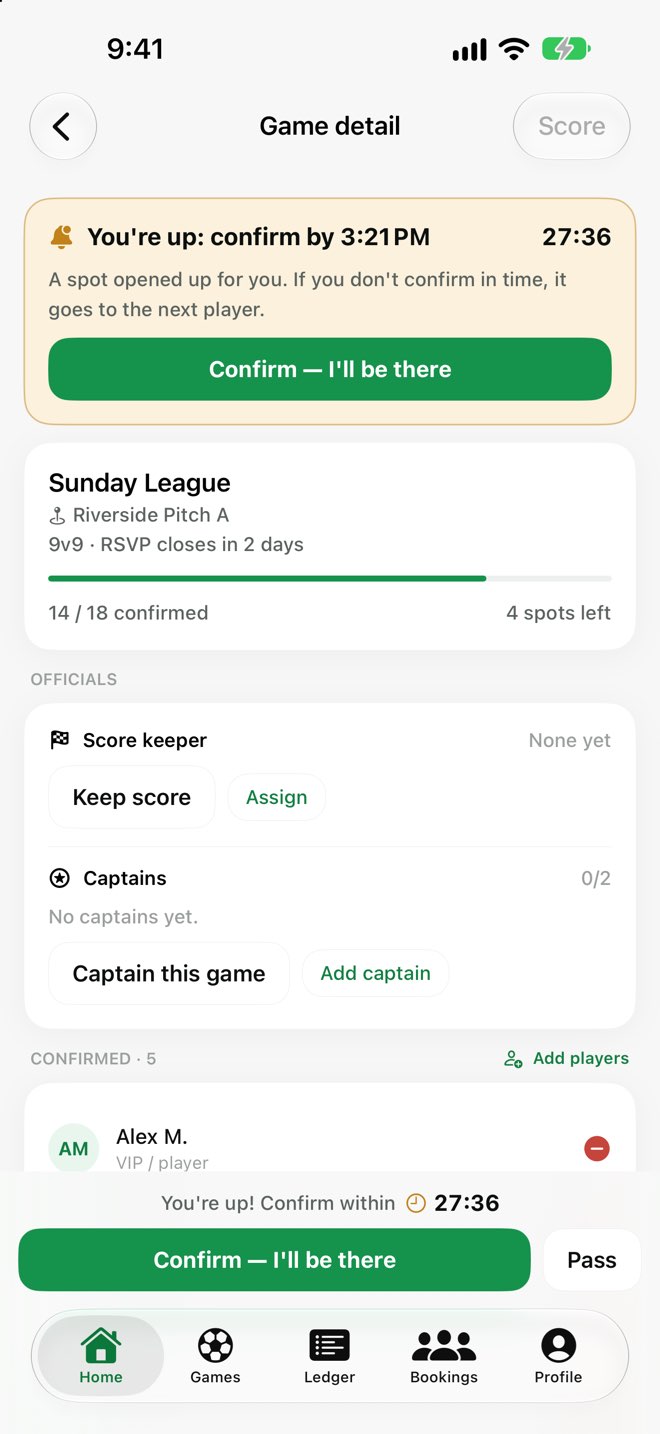
Regulars RSVP in a tap. When a game fills, others queue; if a spot opens, the next player is promoted automatically.
Fair teams, the score, and who owes what
Auto-balance teams from skill ratings, record the result and attendance, and the ledger updates itself.
Everything the group chat can't do
RSVP + waitlist
A waitlist that's fair, and runs itself
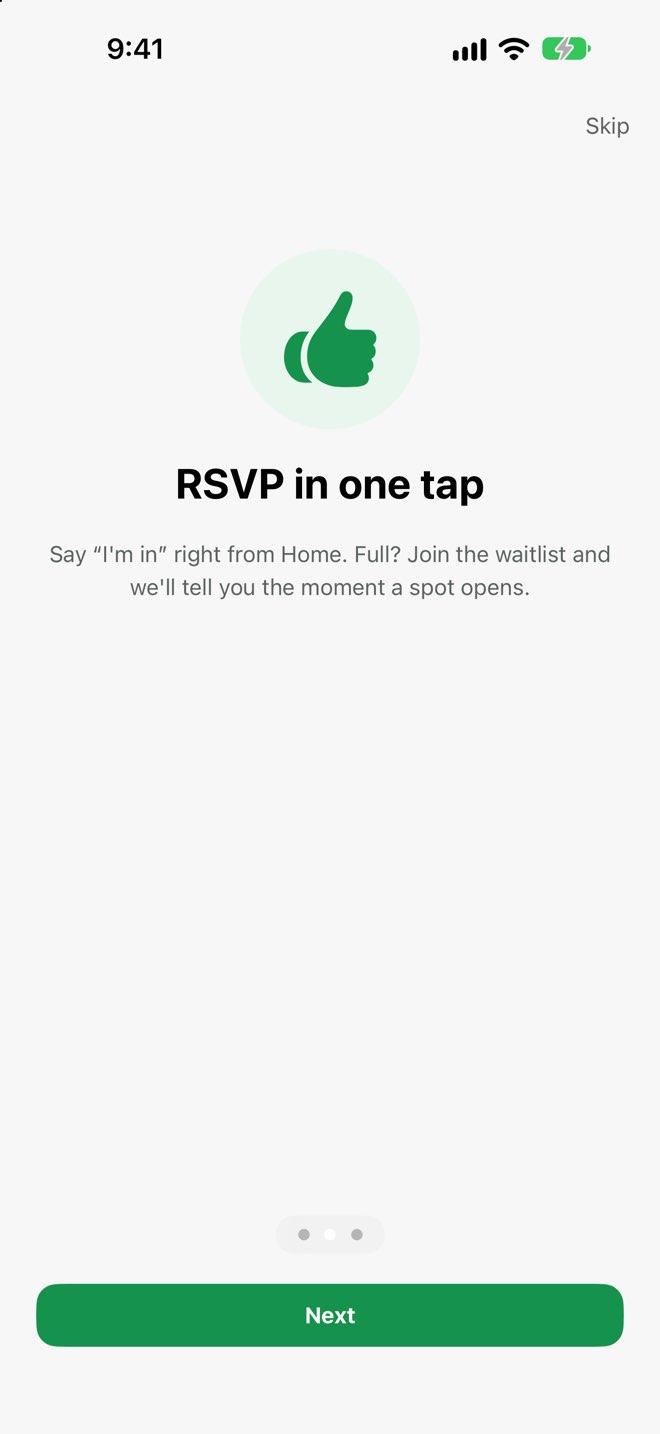
Say "I'm in" straight from Home. When a game is full, join the waitlist. If someone drops out, the next
player is promoted automatically and gets a countdown to confirm; miss it, and the spot moves on.
Priority window for the regulars who fund the booking
Push notifications for promotions, confirmed or cancelled games, and published teams
Every automatic step has a manual override for organisers
Team builder
Balanced teams in one tap
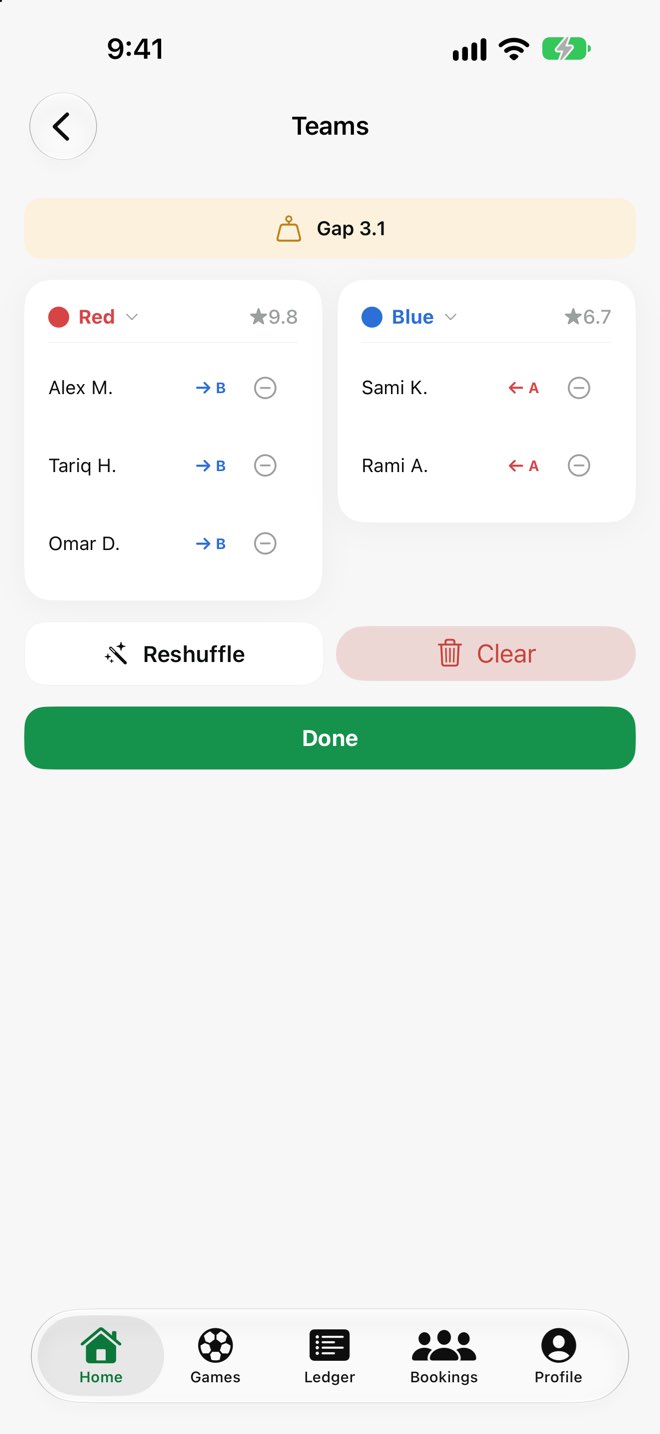
SideKick splits the confirmed players into two sides using per-position skill ratings, and shows the
rating gap so everyone can see it's fair. Reshuffle, swap players by hand, or pick team colours.
Organisers or the game's captains can build them.
Score + attendance
Record the result, and who was late
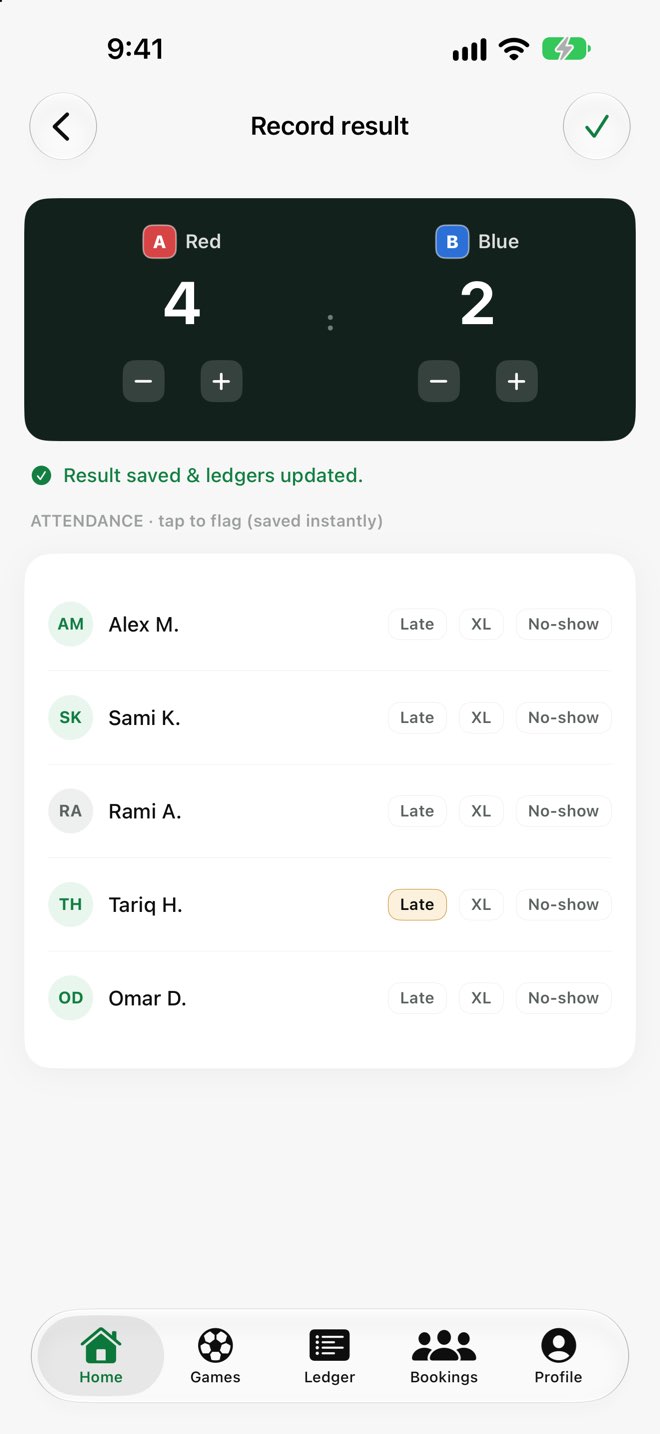
The score keeper sets the final score with plus and minus buttons and flags late arrivals and no-shows
with a tap. Penalties go straight to the ledger; records and win/loss stats update for everyone.
Ledger + cost split
Know who owes what
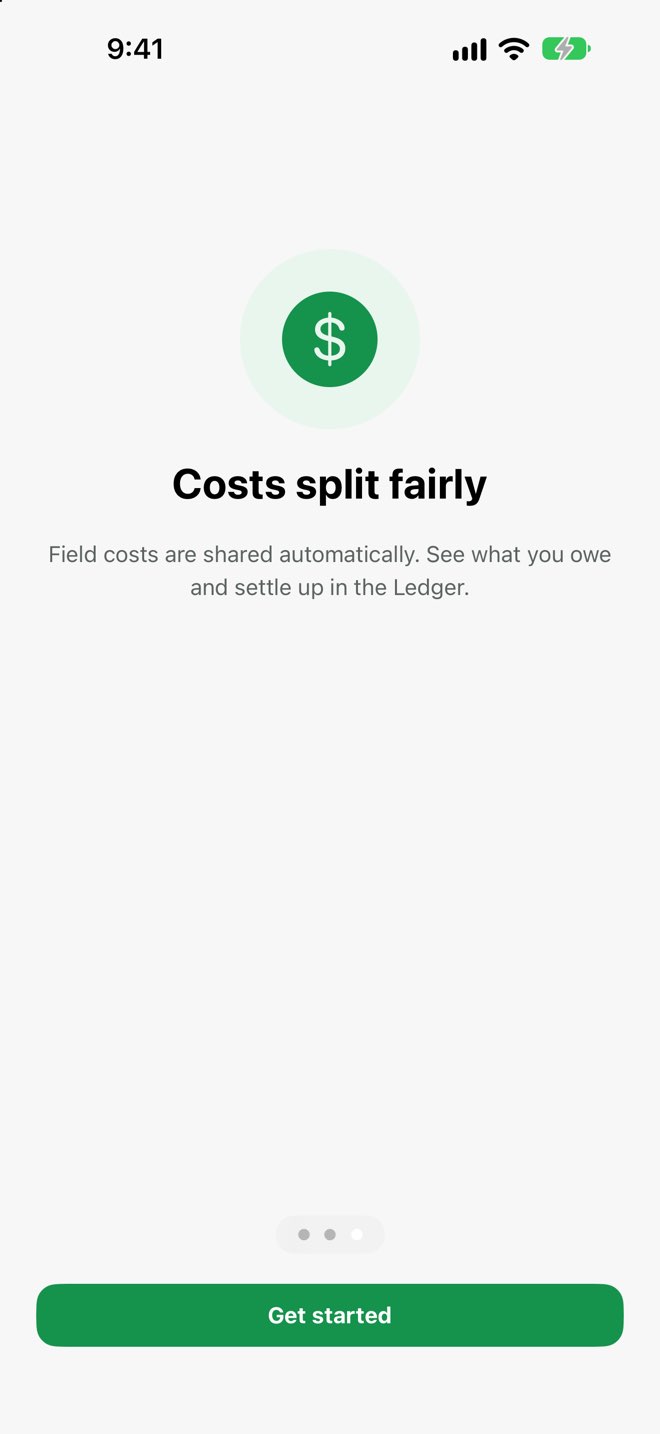
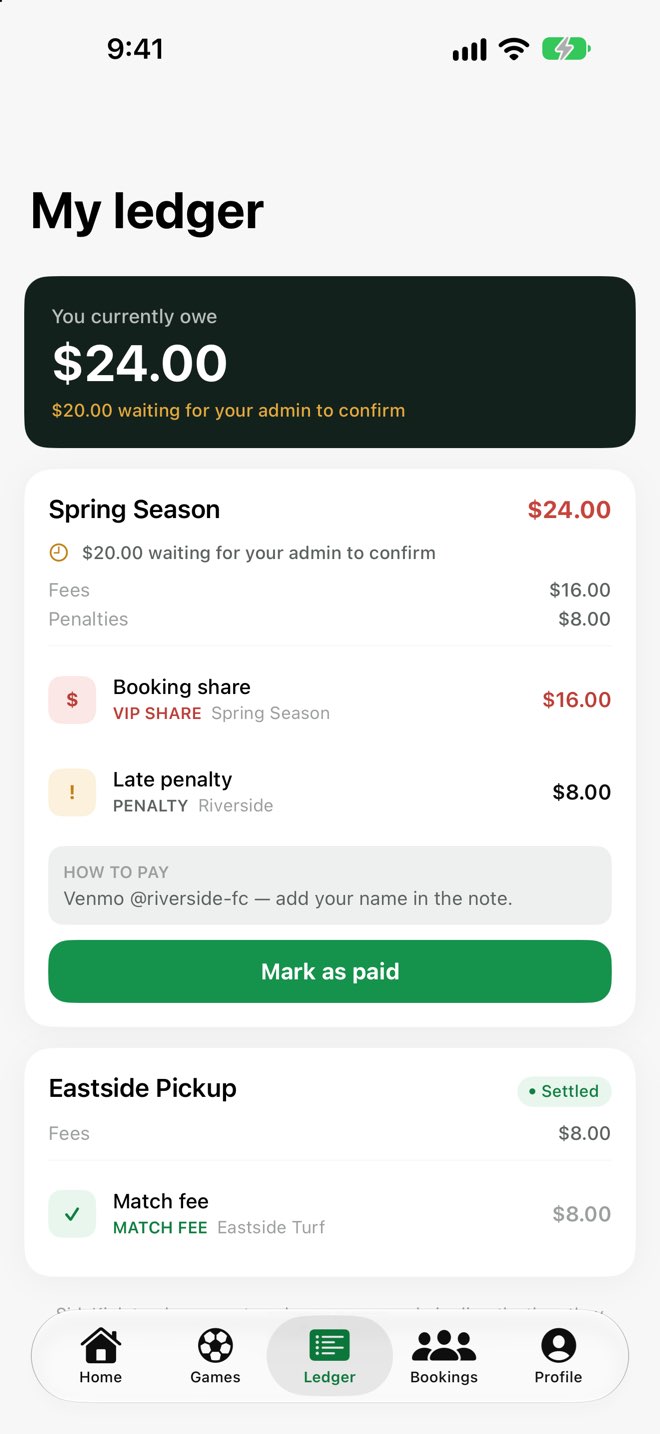
The field cost is split between the regulars automatically, drop-ins pay a match fee, and penalties
are added as they happen. Players mark a payment as sent; the organiser confirms it.
SideKick tracks who owes what; no payments are processed.
Players pay the organiser however the group already does.
For organisers
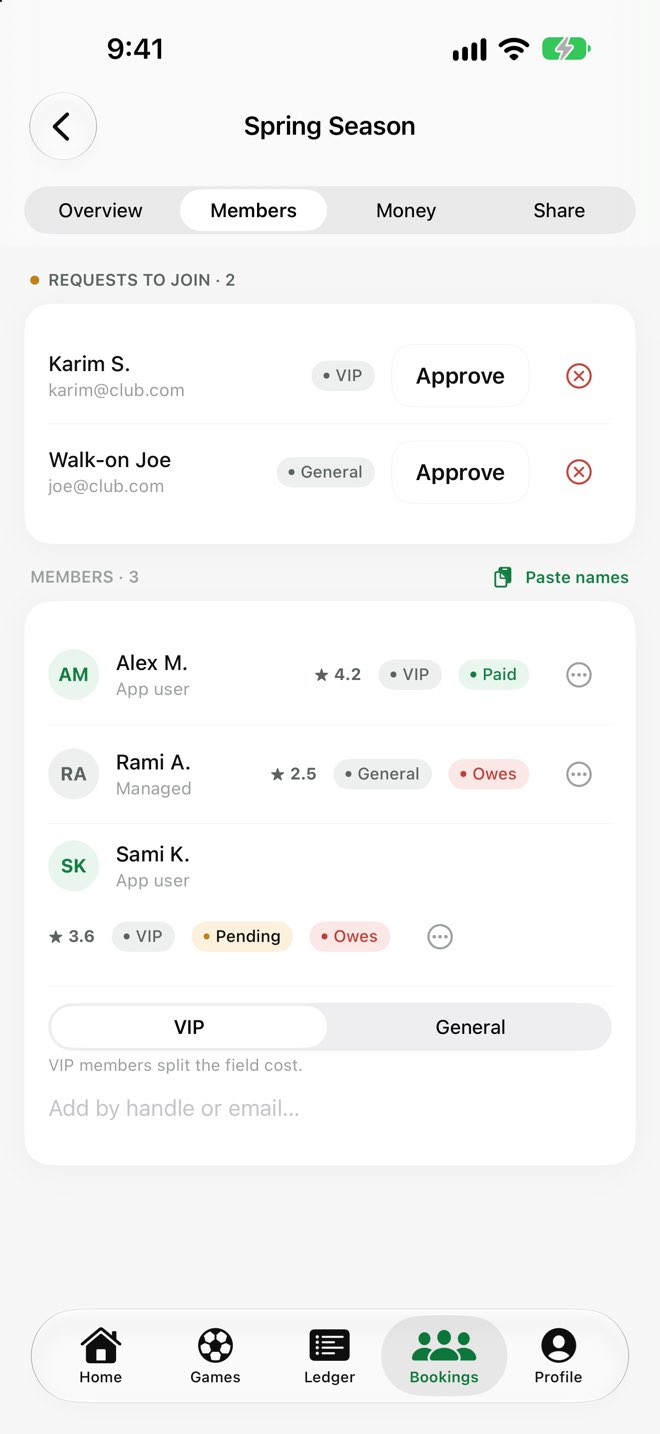
Not everyone has the app, and that's fine
Add managed players by name and do everything for them: RSVPs, teams, attendance, payments. They
appear everywhere a regular user does, and can claim their profile later if they sign up.
Approve join requests, or paste a list of names in one go
See paid, pending and owing at a glance
Find a game
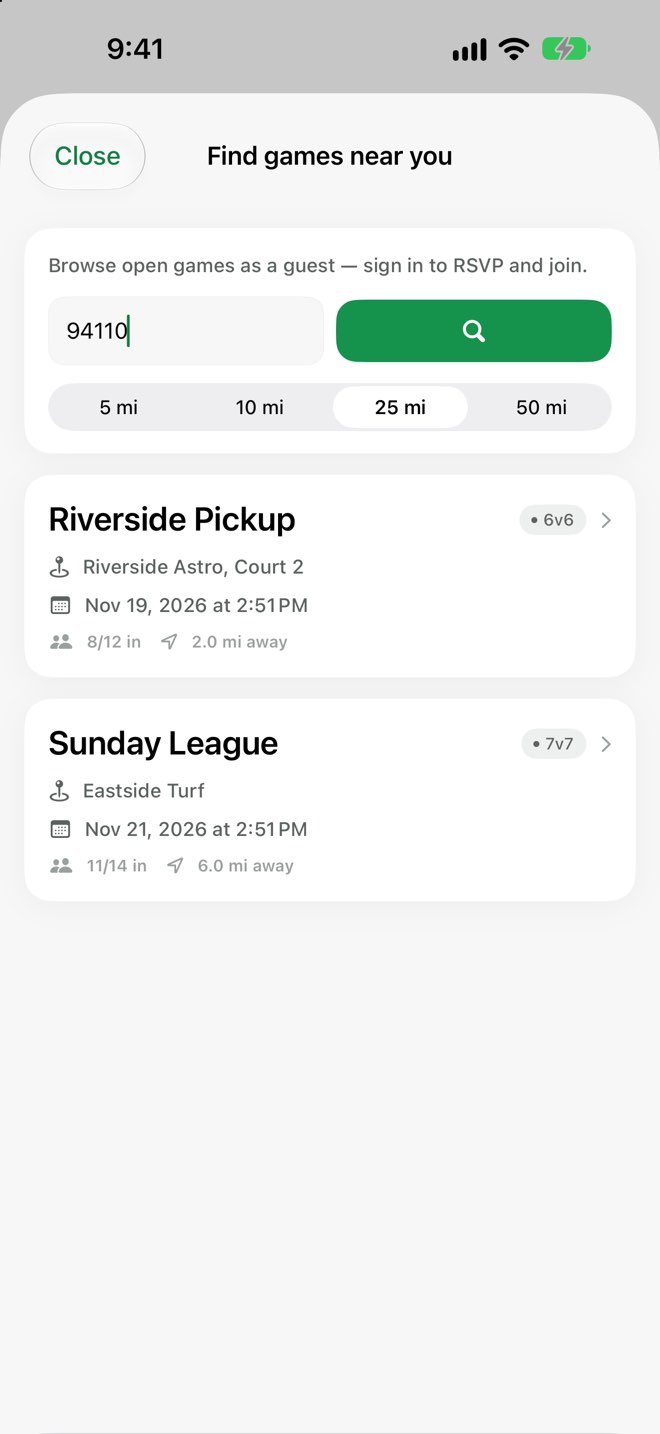
Browse open games nearby, no account needed
Type a ZIP code or postcode to see open games that organisers have chosen to list publicly. No sign-up
and no location permission needed to look; create an account when you want to join.
A game week in 35 seconds
From Home to RSVP, balanced teams, the final score and the ledger, recorded in the
app with sample data.
Questions
Is SideKick free?
Yes. No in-app purchases, no subscriptions and no ads.
Do I need an account?
Not to look: anyone can browse open games nearby by ZIP code or postcode. To RSVP, join a booking or
organise one, you create a free account with your email. Players who don't want the app can be
added and managed by their organiser.
Does SideKick handle payments?
No. It keeps track of amounts so everyone can see who owes what. Players pay the organiser however the
group already does (cash, bank transfer, a payment app), and the organiser marks the payment as received.
What group sizes does it work for?
From a dozen regulars to a community of a few hundred players. Each booking has a core of regulars
who split the field cost, plus a wider pool who fill spots through the waitlist. The organiser sets each
game's size, from small-sided games to 11v11.
What about my data?
No ads, no analytics, no tracking, in the app or on this site. You can delete your account from your
profile at any time. Read the privacy policy.